SKIPTO IN PRACTICE
A flyer can introduce your plumbing business. A QR code can help someone take the next step immediately.
Instead of asking customers to type a web address or search for your business, send them straight to a page where they can describe the job they need done.
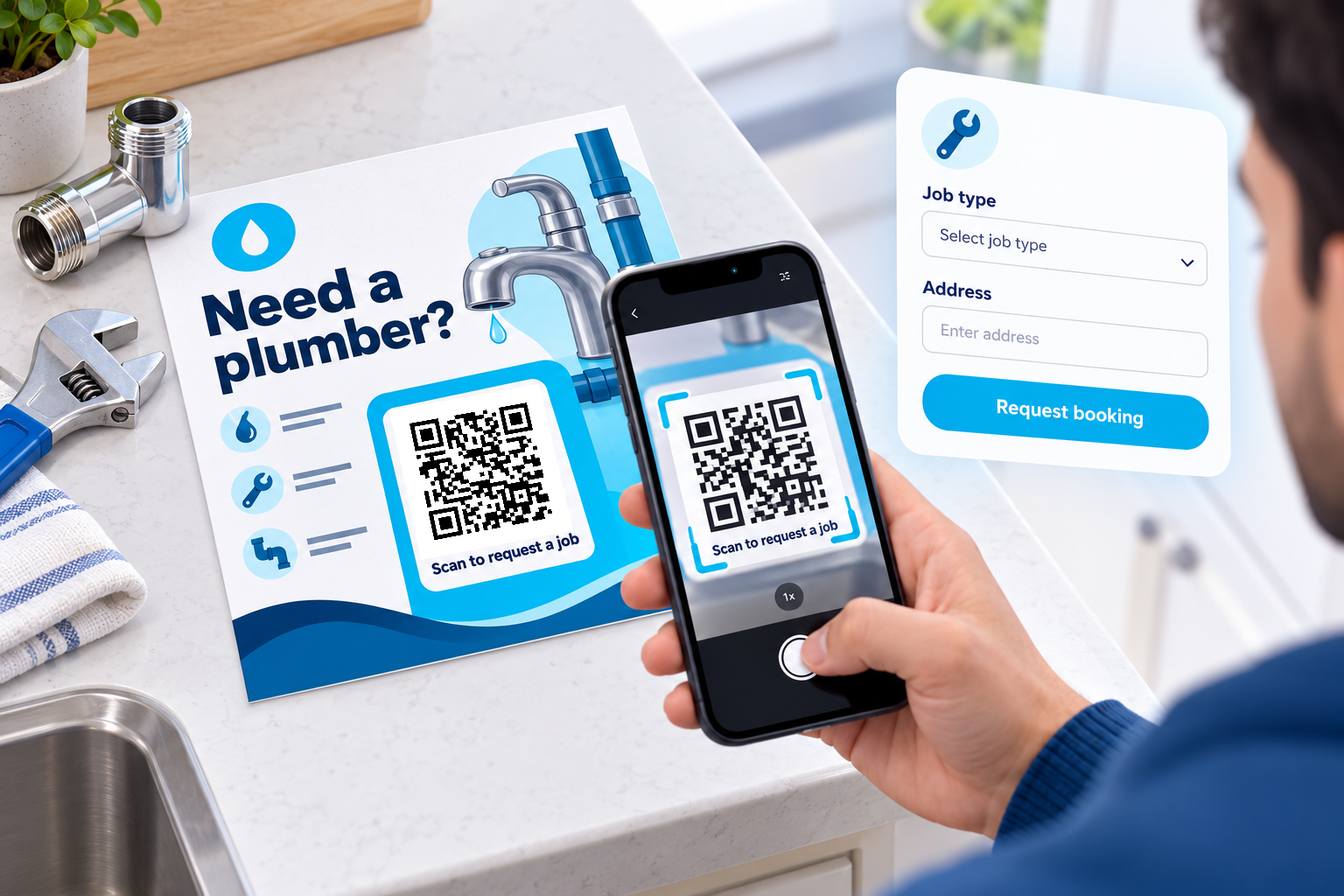
A homeowner keeps your flyer on the fridge. When a tap starts dripping, they scan “Need a plumber? Scan to request a job.”
Your booking request page opens, allowing them to select the type of work, enter their address and provide a preferred time for a visit.

Keep the form short and comfortable to use on a phone. Explain whether the submission requests a booking or confirms one. Include your phone number for customers who prefer to call.
Scan the flyer, enter the job details and submit the request. Your booking process handles availability, pricing and confirmation.
Tap the tracked QR link below to follow the same route as a scan. You can also open the sample page directly.
Point the same dynamic code to an updated enquiry form or a new service page when your campaign changes.
Use a short caption to explain what will happen after the scan.
Use a separate link for each placement you want to compare. Activity does not prove that an enquiry or sale occurred.
Edit the existing dynamic link and scan the original printed code again to check it.
Create your flyer QR code with Skipto.