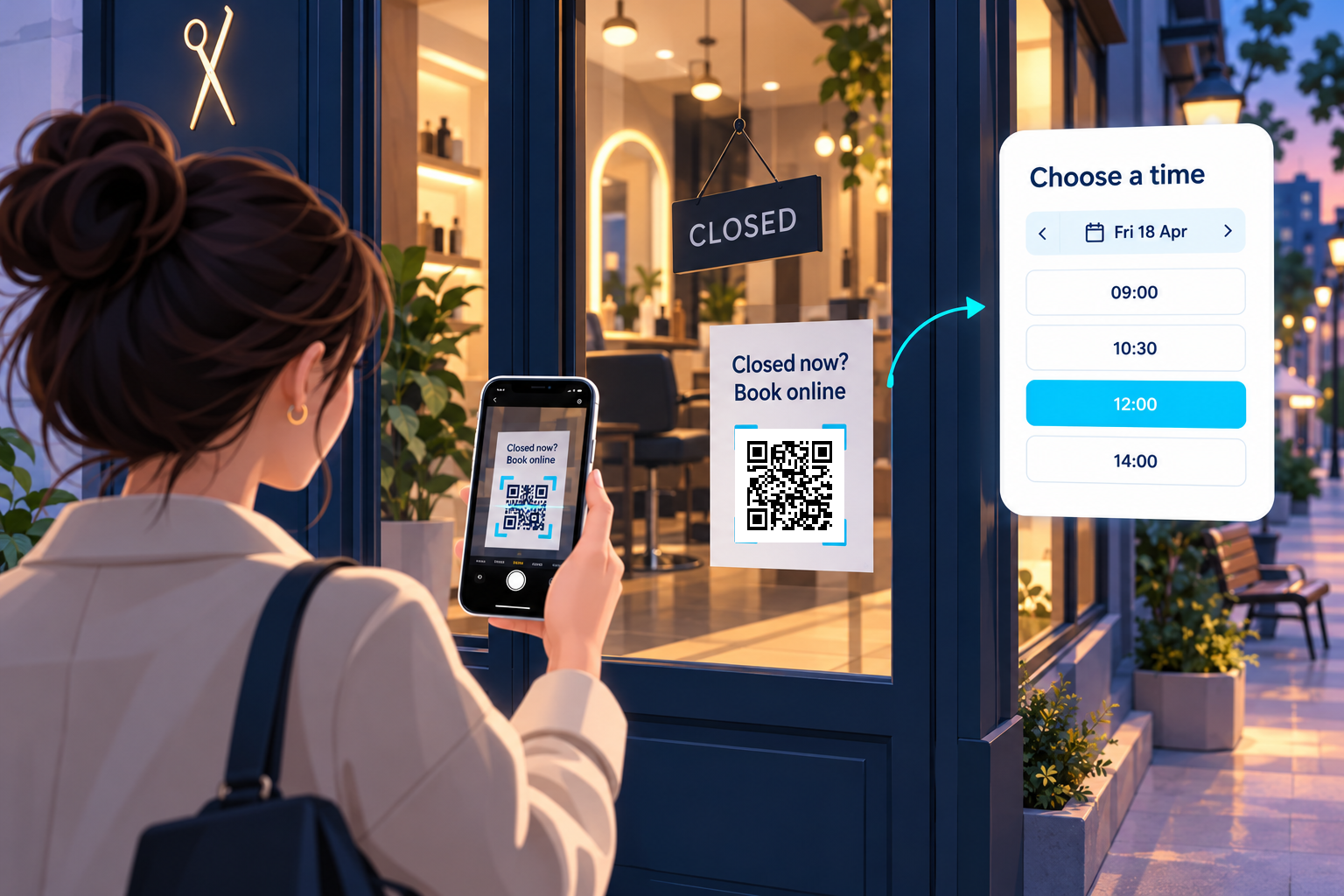
Your shop is closed. Your next booking doesn’t have to wait.
Someone reaches your door after closing time. They’re interested, ready to book—and looking at a “Closed” sign.
Give them something useful beside it.
A Skipto QR code on your shopfront can take visitors straight to your online booking page, turning an after-hours visit into an opportunity to secure their next appointment.
Example in action
A customer walks past a hair salon in the evening. A door sign reads “Closed now? Book online.” They scan the code, choose a service and select an available appointment through the salon’s booking system.
How to use Skipto
Link the code directly to your existing booking page.
Give the door sign its own tracked link to distinguish it from other promotions.
Print the code beside your opening hours, with a clear reason to scan.
If you change booking providers, update the linked destination while keeping the printed dynamic code.
Position the sign where people can scan it comfortably from outside. Test it through the glass after dark, when reflections and lighting can affect readability.
The customer experience
Scan, open the booking page, choose an appointment and follow the booking system’s confirmation process.
Try the example
Tap the tracked QR link below to follow the same route as a scan. You can also open the sample page directly.